

As of July 8, 2026, Atlassian Rovo HIPAA compliance is live, and healthcare organizations running HIPAA-eligible Atlassian cloud sites can now turn on AI features without stepping outside their compliance boundary.
For healthcare IT and compliance teams, AI adoption has mostly been a waiting game: watch what everyone else is doing with Rovo, and stay on the sidelines until the compliance story catches up. That wait is over. Here’s exactly what changed, what’s in scope, and how to approach a rollout without creating new risk.
It’s a meaningful shift for an industry that’s had good reason to be cautious. Healthcare organizations have watched AI assistants roll out everywhere else while sitting out because the compliance question was unresolved. Atlassian Rovo HIPAA compliance closes that gap, but it also raises a new question for IT and compliance leaders: now that the tool is available, how do you introduce it into clinical and administrative workflows without creating new risk in the process?
What Changed With Atlassian Rovo HIPAA Compliance
Atlassian announced that Rovo is now available to organizations with HIPAA compliance requirements. The update applies to sites running HIPAA-eligible Atlassian cloud apps, specifically:
- Jira
- Confluence
- Jira Service Management
- Jira Product Discovery
There’s one prerequisite that hasn’t changed: your organization still needs a signed Business Associate Agreement (BAA) with Atlassian. Atlassian Rovo HIPAA compliance doesn’t remove that requirement, it extends the BAA’s coverage to include Rovo’s AI features on top of the products you’re already using under it. If you haven’t gone through that setup yet, our Atlassian Cloud and HIPAA guide covers signing the BAA, tagging apps, and the notification and field restrictions HIPAA requires.
What’s in Scope, and What Isn’t
Not every corner of Rovo is covered, so it’s worth being precise about where the compliance boundary sits.
Covered under Atlassian Rovo HIPAA compliance:
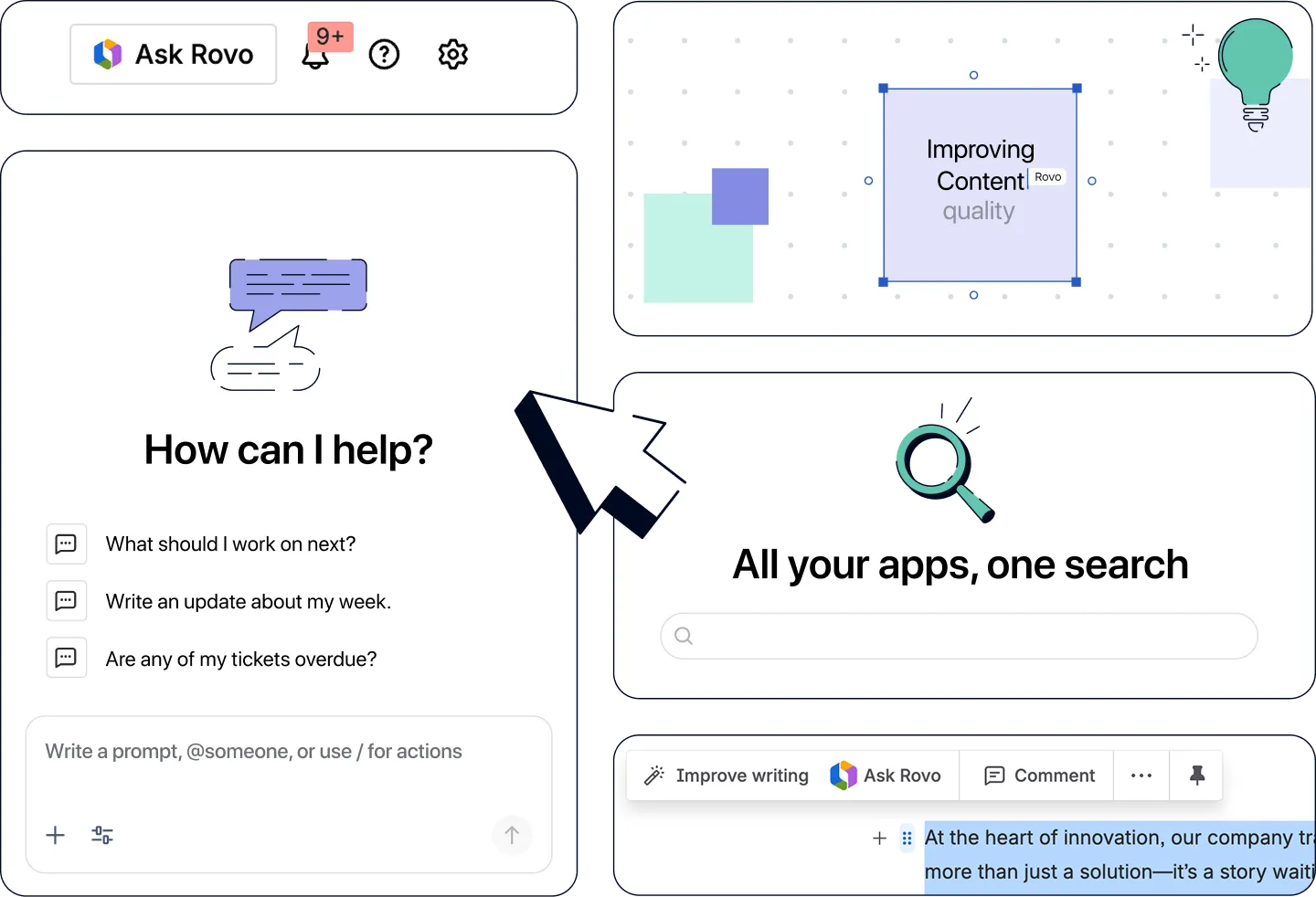
- Rovo Chat, the conversational AI assistant
- Rovo Agents, for automated actions across your Atlassian products
- Rovo Search, for enterprise-wide search
- In-app AI experiences embedded directly in Jira, Confluence, JSM, and Jira Product Discovery
Excluded from HIPAA scope:
- The Rovo MCP server
- Rovo CLI
- The Rovo browser extension
- Rovo mobile and desktop apps
If your rollout plan includes any of the excluded surfaces, treat them as out of bounds for workflows touching PHI, regardless of how the rest of your Rovo footprint is configured. In practice, that means auditing where your teams currently reach for Rovo today: if anyone’s routed through the mobile app or the browser extension to get quick answers, that habit needs to shift to an in-app or Chat-based path before PHI enters the conversation.
Built-In Safeguards for Patient Data
Two automatic restrictions apply once Rovo is running under HIPAA scope:
- Write operations to non-HIPAA apps are blocked. Rovo can’t push data or actions into Atlassian products that fall outside the compliance boundary.
- Write operations to third-party connectors are blocked. Rovo won’t write out to external tools connected to your instance.
These guardrails are enforced automatically, not something your admins need to configure manually. That said, they’re a floor, not a substitute for reviewing how your teams actually plan to use Rovo day to day.
Where Rovo Fits in a Healthcare Workflow
With Atlassian Rovo HIPAA compliance in place, the practical next question becomes how to use it first. A few workflows are natural starting points for healthcare IT and service teams already running on Jira Service Management or Confluence:

- Service desk triage. Rovo Agents can help categorize and route incoming JSM requests, whether that’s an internal IT ticket, a facilities request, a finance request or something else.
- Knowledge base search. Rovo Search makes it faster for clinical and administrative staff to find the right Confluence page, policy document, or SOP instead of digging through folders.
- Onboarding support. New hires can use Rovo Chat to get oriented on internal documentation and processes, cutting down on repetitive questions to already-stretched IT and compliance teams.
None of these require PHI to flow through Rovo to be useful. That’s worth calling out explicitly when you’re building the case internally: a lot of the immediate value sits in administrative and service-desk efficiency, which is a lower-risk on-ramp before anyone starts trusting Rovo with anything closer to patient data.
How to Get Started
Getting Atlassian Rovo HIPAA compliance turned on for your organization takes three steps:
- Contact Atlassian Support to have Rovo provisioned for your HIPAA-eligible site.
- Enable Rovo through Atlassian Administration once provisioning is confirmed.
- Review the HIPAA Implementation Guide before opening access to end users.
If your organization already has a BAA in place for your existing Atlassian products, don’t assume it automatically extends to Rovo. Confirm with your Atlassian account team or Support that your specific site has been marked HIPAA-eligible for Rovo before you provision access, since the eligibility requirement is applied at the site level, not the organization level.
If your team hasn’t used Rovo at all yet, our earlier post on getting started with Atlassian Rovo walks through the difference between Atlassian Intelligence and Rovo, quick-win use cases, and where to find Rovo across your products. That’s still the right starting point for the fundamentals; this update just changes whether healthcare organizations are cleared to act on it.
Why This Matters Beyond Compliance
The real unlock here isn’t just “Rovo is allowed now.” It’s that healthcare IT and compliance leaders no longer have to choose between AI-assisted workflows and their regulatory obligations.
The risk now shifts from “can we use this” to “are we rolling it out well.” That’s a much better problem to have, but it’s still a problem worth planning for: which teams get access first, which workflows are appropriate for Rovo Agents versus which should stay human-reviewed, and how you’ll train staff who’ve never worked alongside an AI assistant before.
A few questions worth answering before you open access broadly:
- Who gets access first? A phased rollout, starting with IT and service desk teams before expanding to clinical-adjacent staff, gives you room to catch issues before PHI is anywhere near the conversation.
- Which actions stay human-reviewed? Rovo Agents can automate a lot, but any action touching a patient record or compliance-sensitive workflow should have a human checkpoint, at least early on.
- Who owns the Implementation Guide review? Someone on your compliance or security team should own reading and signing off on the HIPAA Implementation Guide, not just IT.
- How will you train staff? A short onboarding session on what Rovo can and can’t do goes a long way toward preventing misuse.
Get Rovo Running the Right Way
Turning on Rovo access is one thing. Configuring it correctly, training your teams, and mapping out which workflows are ready for AI agents is another, and it’s the part most healthcare IT teams don’t have spare bandwidth for on top of their existing workload.
That’s exactly the gap our Rovo Essentials package is built to close. It’s a mid-tier engagement designed for teams integrating third-party tools alongside Rovo, and it includes:
- Up to 35 hours of hands-on consulting time
- Comprehensive setup and configuration across your Atlassian products
- Training for up to 50 users
- 30 days of post-implementation support to catch issues before they become habits
Instead of guessing at which workflows are safe to automate first, you get a partner who’s mapped this rollout before and knows where healthcare organizations tend to trip up.
If you’re ready to move past “we’re compliant” and into “we’re actually using this well,” reach out to us and we’ll help you build a rollout plan that fits your organization’s risk tolerance and workflows.