

Choosing the right project management platform can define how efficiently your teams collaborate, plan, and deliver work. Two of the most popular options on the market: Asana and Jira, both offer robust work management solutions, but they serve different audiences and excel in distinct ways. While Asana has long been the go-to platform for business and creative teams, Jira’s flexibility, scalability, and deep integration capabilities make it a standout for organizations seeking one connected system across technical and non-technical teams alike.
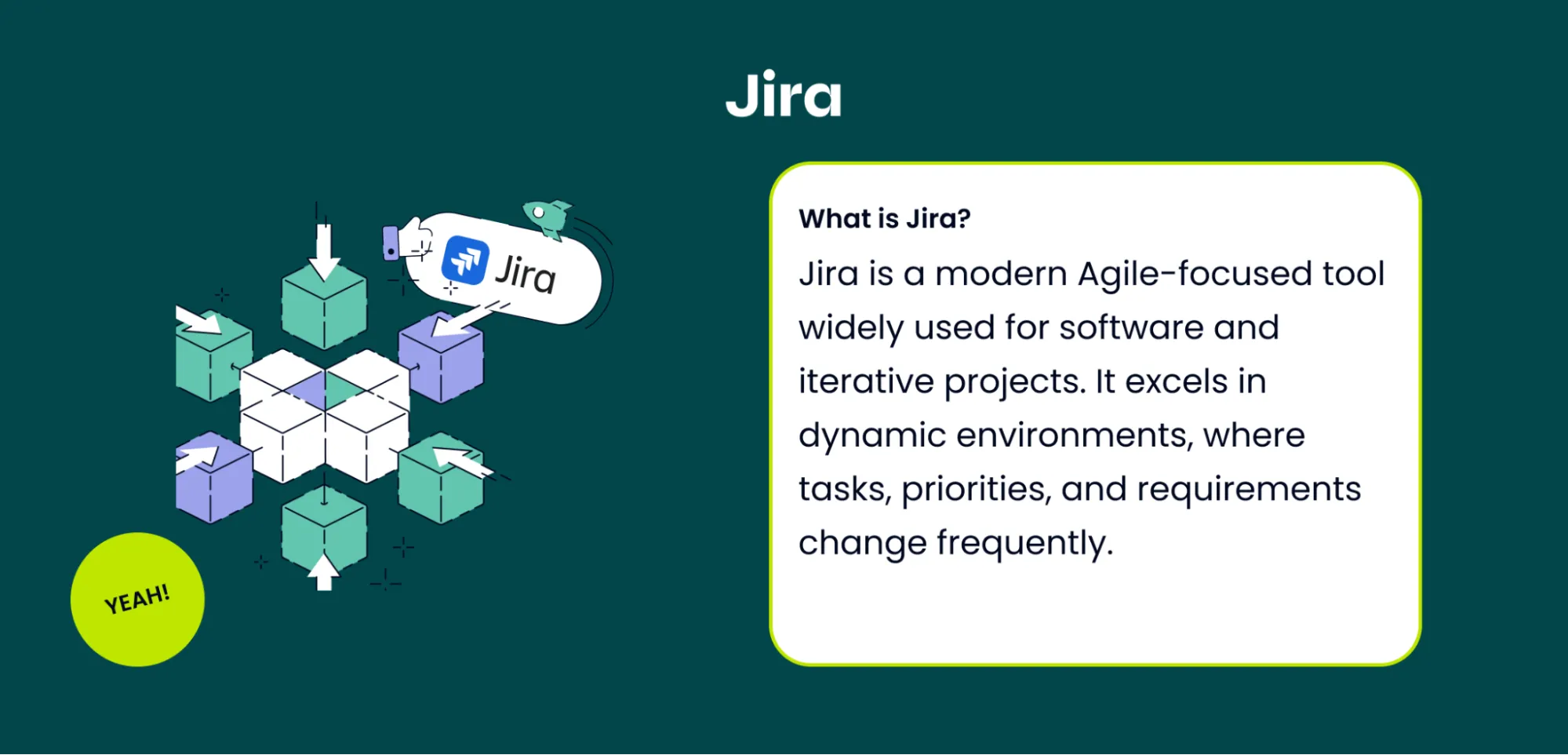
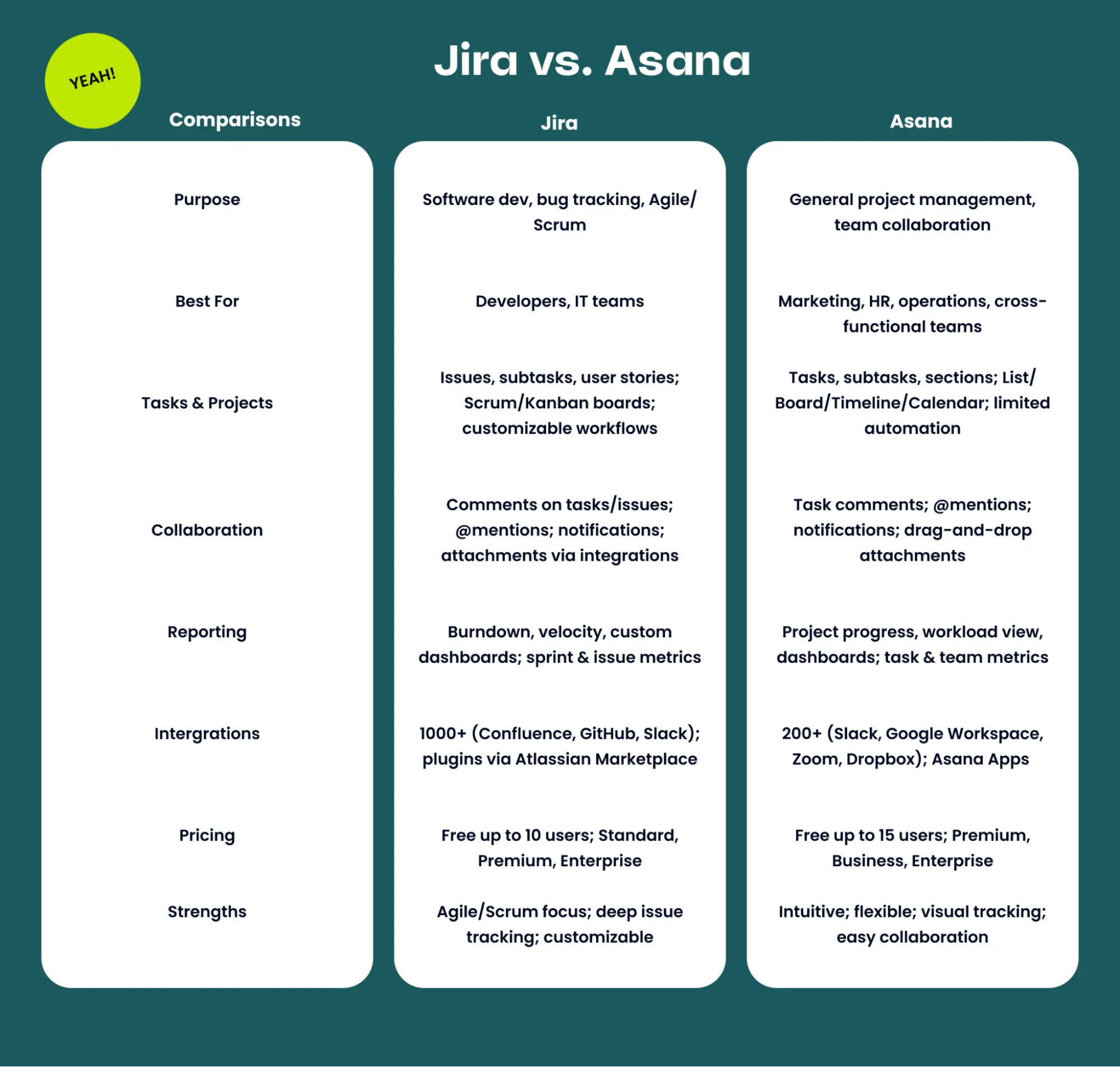
Below, we compare the two tools across key dimensions, from pricing to automation, to help you decide which platform best fits your organization’s needs.
Core Differences: Who They’re Built For
Asana was designed primarily for business, marketing, and operations teams. It offers strong visibility, simple task management, and intuitive project tracking. However, it often falls short when teams try to scale across departments, particularly in organizations that also include software, IT, or engineering teams. Jira, by contrast, was originally built for software teams but has evolved into a unified work management platform for all types of teams, business, IT, and development alike. Integrated within the broader Atlassian ecosystem, Jira connects workflows across departments, ensuring alignment from strategy to execution.
In fact, 40% of new Jira customers use it across both tech and business teams, demonstrating its strength as a truly enterprise-wide solution.
Pricing and Scalability
When comparing cost, Asana is significantly more expensive than Jira, often 30–50% higher depending on the plan.
Jira Pricing:
-
Free: $0, up to 10 users – unlimited tasks, projects, boards, 100 automation rules, 2 GB storage, community support.
-
Standard: $7.91 / user / month – everything in Free plus AI-powered work features, user roles, 1,700 automation rules, 250 GB storage.
-
Premium: $14.54 / user / month – everything in Standard plus cross-team planning, dependency management, unlimited storage, 24/7 support.
-
Enterprise: Contact sales – advanced analytics, enterprise-grade security, unlimited automation, multiple sites, 24/7 support.
Asana Pricing:
-
Free: Up to 10 users – basic task/project tracking.
-
Starter: $10.99 / user / month (annual) – basic reporting, task dependencies, integrations.
-
Business: $24.99 / user / month (annual) – advanced reporting, workload view, portfolios, rules.
-
Enterprise: ~$30 / user / month – premium support, advanced security, cross-team management.
With Jira, organizations can scale gradually and cost-effectively while developing a partnership with Atlassian, not just a subscription to another SaaS tool.
Workflow Complexity and Customization
As companies grow, workflows become more complex, and this is where Jira outperforms Asana. Jira supports:
-
Custom issue types
-
Advanced permissions
-
Multi-step workflows that span projects and systems
-
API-triggered automations across tools
Automation is available across all paid plans, with expanded limits in Premium and Enterprise tiers. Asana, on the other hand, offers useful templates and automations but lacks the flexibility needed for advanced or cross-project workflows at scale.
Integration and Ecosystem
When it comes to integrations, Jira’s ecosystem is unmatched. From the Atlassian Marketplace with over 2,500 purpose-built apps such as draw.io for diagramming, Aura for workflow automation, Jira Service Management and Loom, Jira connects teams across tools, departments, and projects, making collaboration seamless and scalable. It also integrates natively with Confluence, Atlassian’s knowledge management platform, creating a unified environment where teams can manage projects, documentation, and analytics in one secure system with consistent notifications and reporting. Learn more about Confluence including the difference between standard and premium. Asana, by comparison, offers a smaller range of integrations and does not have a native knowledge management platform, requiring separate tools for documentation. This can lead to fragmented visibility and information silos, and its customization capabilities are limited, making it harder for large enterprises to tailor Asana to complex workflows.
AI, Automation, and Reporting
Jira is powered by Atlassian’s teamwork graph, connecting data from across its platform and other SaaS tools. Its AI capabilities can:
-
Break down complex tasks into smaller pieces
-
Suggest automations
-
Build structured workflows from unstructured requests
Asana also leverages AI, offering “Smart Goals,” “Smart Fields,” and “Smart Summaries.” However, these features are confined within Asana’s project data and don’t extend to documents or external links. Additionally, automation in Asana is capped by plan level, making large-scale deployment costly. When it comes to reporting, Jira provides more advanced customization options, such as configurable dashboards that combine data across projects, giving leaders organization-wide visibility. Asana’s dashboards, though visually appealing, are less flexible and limited to project-level overviews.
Security and Enterprise Readiness
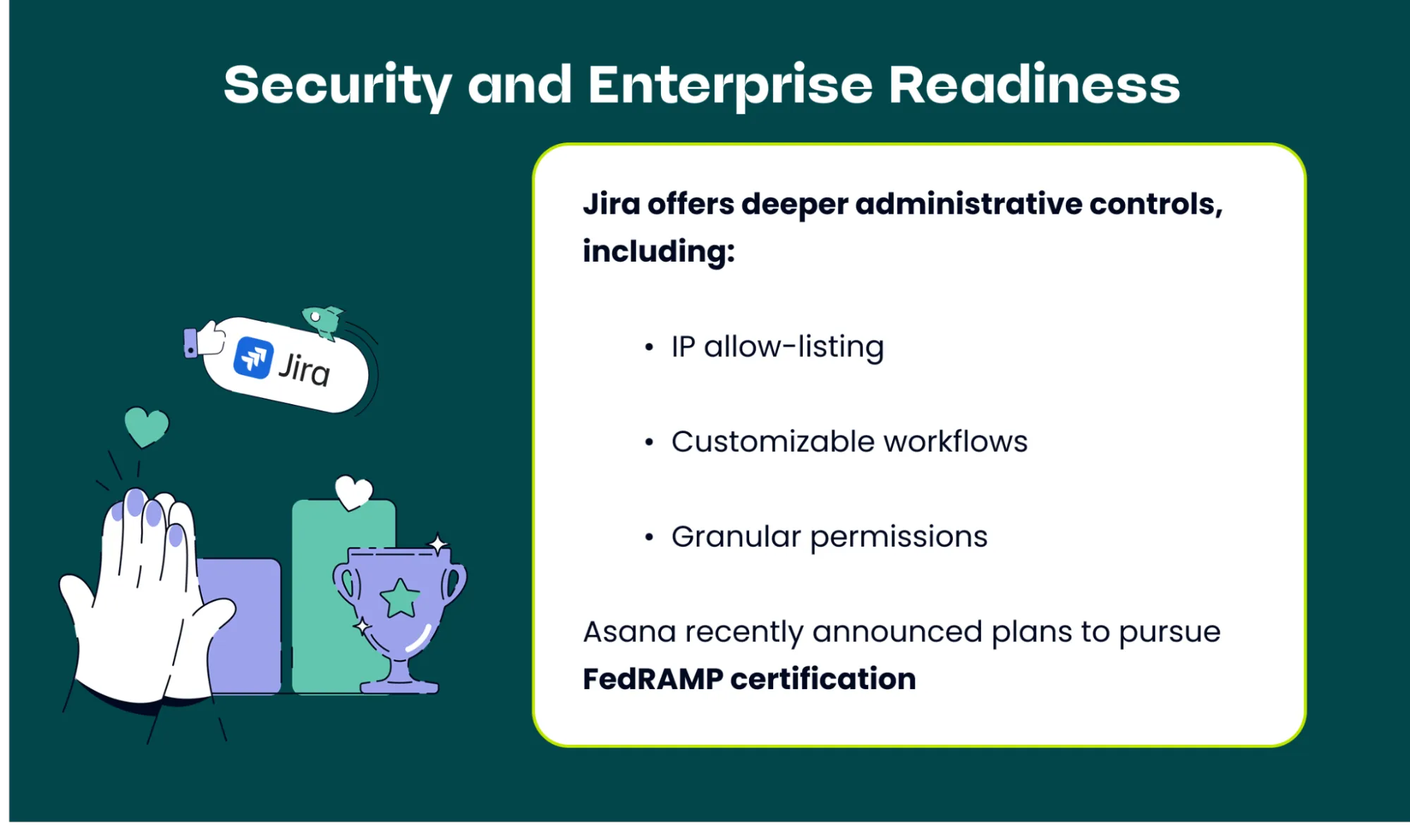
Both platforms meet enterprise-grade compliance standards (GDPR, SOC2, ISO). However, Jira offers deeper administrative controls, including:
-
IP allow-listing
-
Customizable workflows
-
Granular permissions
-
Support for up to 50,000 users
Asana recently announced plans to pursue FedRAMP certification, which will enhance its enterprise offerings, but it still lacks certain built-in controls that Jira already provides.
Ease of Use
Asana continues to win praise for its intuitive interface and low learning curve, especially among smaller or non-technical teams. Jira historically had a reputation for complexity, but Atlassian has made major strides in usability. Features like AI summaries, card covers, and simplified project overviews now make Jira far more approachable for business teams while retaining its depth for technical users. Plus, working with an Atlassian Solution Partner like Seibert Solutions can help make Jira more approachable and accessible for your teams.
Why Jira Wins for Most Enterprises
-
Unified Platform: Connects software, IT, and business teams for shared visibility and alignment.
-
Customization: Adapts to any workflow with robust APIs and marketplace apps.
-
Cost Efficiency: Lower total cost of ownership and flexible pricing.
-
Scalability: Supports complex workflows and large organizations effortlessly.
-
Deep Integration: Works seamlessly with Confluence, Loom, and other Atlassian tools.
When Asana Wins: Organizations deeply embedded in Asana, with strong brand loyalty and primarily business-focused workflows, may prefer Asana’s out-of-the-box simplicity — even at a higher cost.
Which tool is right for you?
For small teams focused on marketing or operations, Asana remains a user-friendly and capable choice. But for organizations seeking a scalable, customizable, and unified work management solution that bridges business and technical teams, Jira delivers unmatched value. With flexible pricing, enterprise-grade scalability, and seamless integration across the Atlassian ecosystem, Jira stands out as the best long-term investment for growing organizations. Curious about Jira and other work management platforms, such as Monday.com? Follow our blog for more insights.