
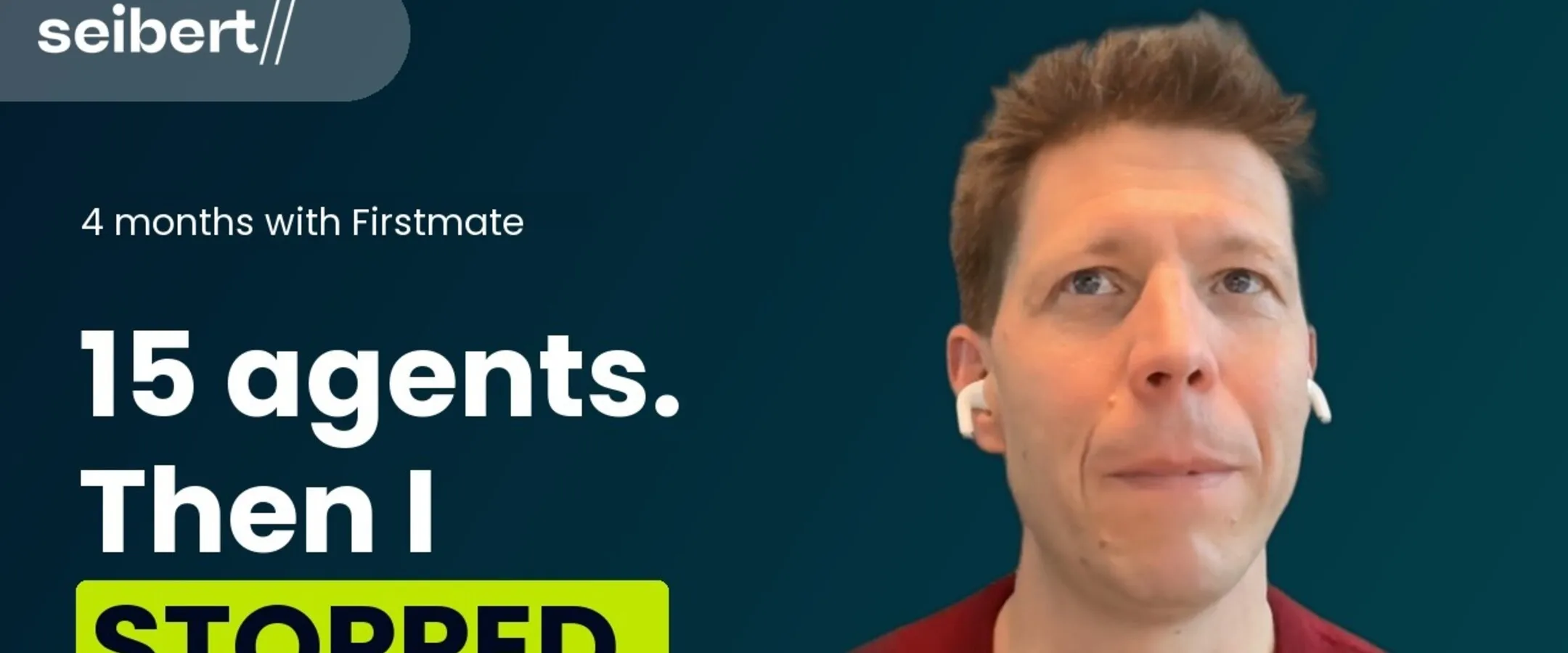
On 6 November I sat down in front of a camera and recorded twelve short videos in about 45 minutes. I threw one away. The other eleven went out between 9 and 18 November: on YouTube, as Shorts, on TikTok and embedded on five of our web pages. Five of them also get a LinkedIn post, on 12, 16, 18, 20 and 23 November. I did not cut a single one of them myself. AI agents did that, and most of the other work too. Here is the chain, and here is what is still my job.
This article is also available in German: Eine Aufnahme, elf Videos: So automatisiere ich mein Content-Marketing mit KI-Agenten.
An AI agent is like a chat assistant, with one addition: it can act on my own computer. It opens files, starts programs and clicks through websites. In the chain below, the agents do the work on my machine, and I only say yes or no.
What Came Out of One Afternoon
The twelve clips ran from under a minute to a good six minutes, in English and German. One was a longer pitch for our security offer that I recorded twice; the second take was better, so the first one went in the bin. From the remaining eleven, the agents produced:
- 10 YouTube videos on our channel, each with a thumbnail, title and description, most with an end screen
- 6 YouTube Shorts and 6 TikTok videos in portrait format
- 5 LinkedIn posts with native video, on 12, 16, 18, 20 and 23 November
- video embeds on 5 pages: my personal pages in German and English, the call-recording page in German and English, and the Mitmachen page of our programming community, where the school competition runs
- one Confluence page for my colleagues with the schedule and every text
The eleventh clip is the short one for the school competition. It runs on that Mitmachen page itself and never went to YouTube.
The YouTube videos run until 18 November, one or two a day, so the feed does not get ten videos at once. The LinkedIn posts follow on 12, 16, 18, 20 and 23 November.
Step 1: Transcripts and a Type for Every Video
The agent downloaded the clips from Google Drive and transcribed them with Whisper. Then we went through them together, and I decided what each video is for. We use three types:
- Campaign: the video carries an ad campaign, like the short clip for the school competition.
- Embed: the video lives on a page and nowhere else, like the explanation on our call-recording page. No thumbnail duel, no LinkedIn post.
- Standalone: a regular YouTube video, like my tool tips.
Most videos are not campaigns. I decide the type first. An embed video gets no thumbnail duel, no LinkedIn post and no Short.
Step 2: The Cut
The agent cuts in Palmier, a video editor it can control. It removes pauses, “um” and “uh”, false starts and the moments where I lose my thread. It adds burned-in captions, our intro sting after the first sentence and an 8-second end card for YouTube. Where my screen showed something that does not belong in the video, it blurred that area.
The cut is where I spend most of my own time. I watch each draft and say yes or name what to change. Burned-in captions cannot be fixed after the upload, so the agent checks names and product terms in the captions before the export. Whisper wrote “Hurt” where I said “heard” — heard is the name of our voice message tool — and “Martin Seaboard” instead of my name.
Step 3: The Fact Check
This step surprised me most. Before a cut goes to me, the agent checks what I say against the live websites and the source code. At least three of my eleven videos had a factual error:
- In the competition video I said we had the schools of nine German states in the database. The code has four. The sentence was cut.
- In the Weldall video I called Weldall open source. The code is public, but it is licensed under FSL-1.1-ALv2, and the license turns into Apache-2.0 after two years. The cut now says “Weldall is on GitHub.”
- In the call-recording video I said customers agree to the recording. For phone calls that is not the legal basis we use. The sentence was cut.
I record in one take and do not script word for word. Without the check, these three would now be on YouTube.
Step 4: Thumbnails, Titles and the Upload
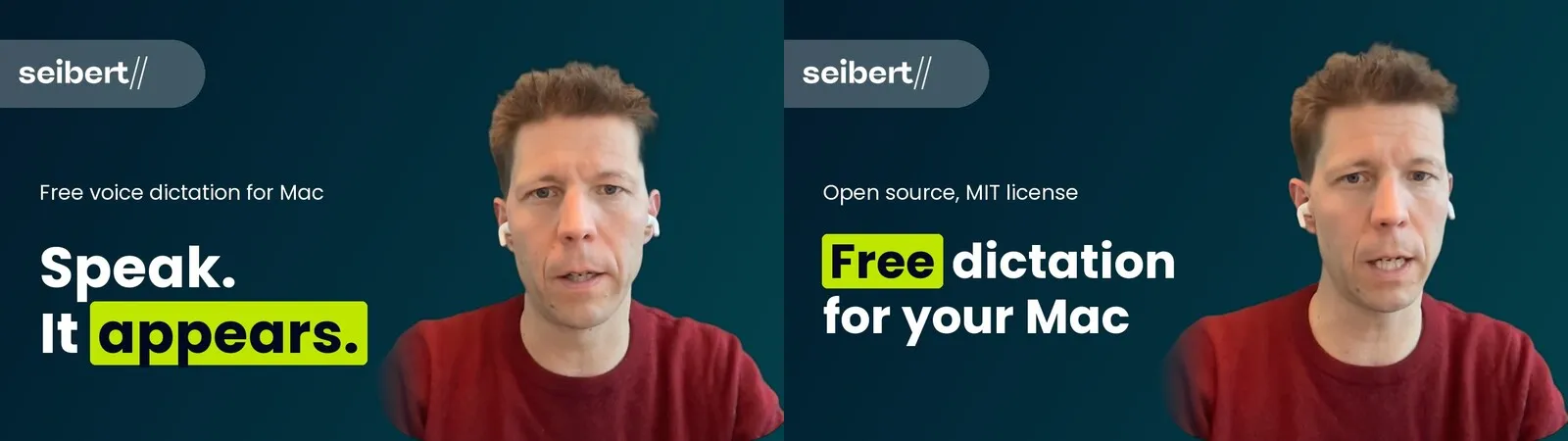
For every video the agent builds two thumbnails in our brand design and shows them side by side. I pick one. It writes a title and a description with the links. It uploads the video as unlisted, sets the thumbnail and the end screen with links to the next video and to the matching page.
Step 5: Publishing on a Schedule
YouTube can publish a video at a set time, but only if it stays private until then. Private means only I can see it, and a private video cannot be embedded. Unlisted means anyone with the link can watch it, and YouTube does not show it in search or on the channel. Some of my videos were already embedded on our pages, so the other nine stay unlisted, and a small job on one of our servers switches them to public at 08:30 on their day. The video for our security offer is the exception: I uploaded it as private with a scheduled date. The agent wrote the job; I approved the dates.
Step 6: Shorts and TikTok
Standalone videos under three minutes also go out in portrait format. The agent re-frames the cut to 9:16 and uploads it as a YouTube Short and as a private TikTok video. I switch TikTok to public on the day myself.
This is why I now aim for videos under three minutes. Then I can use the same cut for YouTube, Shorts, TikTok and LinkedIn. My six-minute video got its own shortened Short.
Step 7: LinkedIn
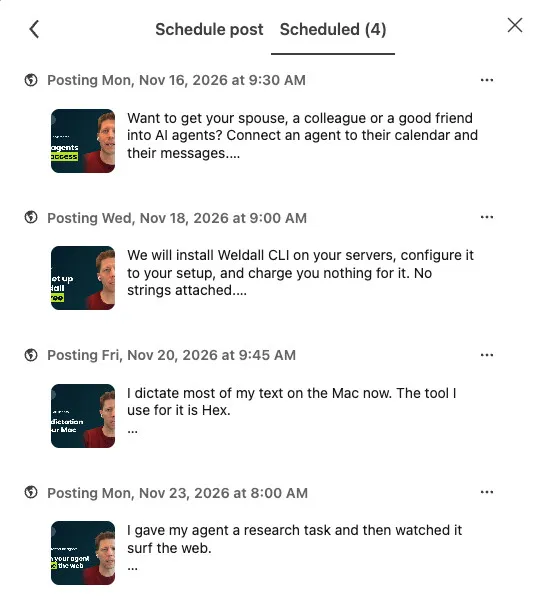
The agent writes a LinkedIn post per video, in my style, and I approve the text. Then it opens LinkedIn in a browser on my computer, uploads the video natively with the thumbnail, pastes the text and schedules the post. Each post goes live at a random time between 8:00 and 9:45, so the posts do not all appear in the same minute. Two minutes later I get a message on Telegram: the post is live. Then I boost it, which means I pay LinkedIn to show it to more people, and I write the first comment under it, usually with the link to the video.
Step 8: One Overview for My Team
At the end the agent wrote a Confluence page: which video goes out when and where, which page embeds which video, and every title, description and post text in a box with a copy button. My colleagues see what is coming, and they can reshare without asking me for the links.
Skills: How the Agent Knows the Chain
A skill is a written set of instructions that an agent reads before it starts a task. Our skills live in a shared repository, so my colleagues’ agents can use them too. The chain above runs on these:
| Skill | What it does |
|---|---|
youtube-video-release |
The coordinator: the order of the steps, the three video types, and where the agent has to wait for me |
palmier-youtube-video |
Cut, captions, intro, end card, portrait version |
seibert-design |
Brand colors, fonts and the thumbnail layout |
youtube |
Title and description, upload, thumbnail, end screen, publishing |
tiktok |
Portrait upload to TikTok and YouTube Shorts |
linkedin-writer |
The LinkedIn text |
linkedin-video-post |
Scheduling the post with native video and thumbnail |
blog-review |
Reviewing articles like this one before they go live |
When something goes wrong, the agent writes the fix into the skill. On 9 November LinkedIn saved the old time twice. The agent wrote the way around it into the linkedin-video-post skill, while it scheduled the five posts above: change the time in the “Edit post” dialog instead.
Two Tools in the Chain
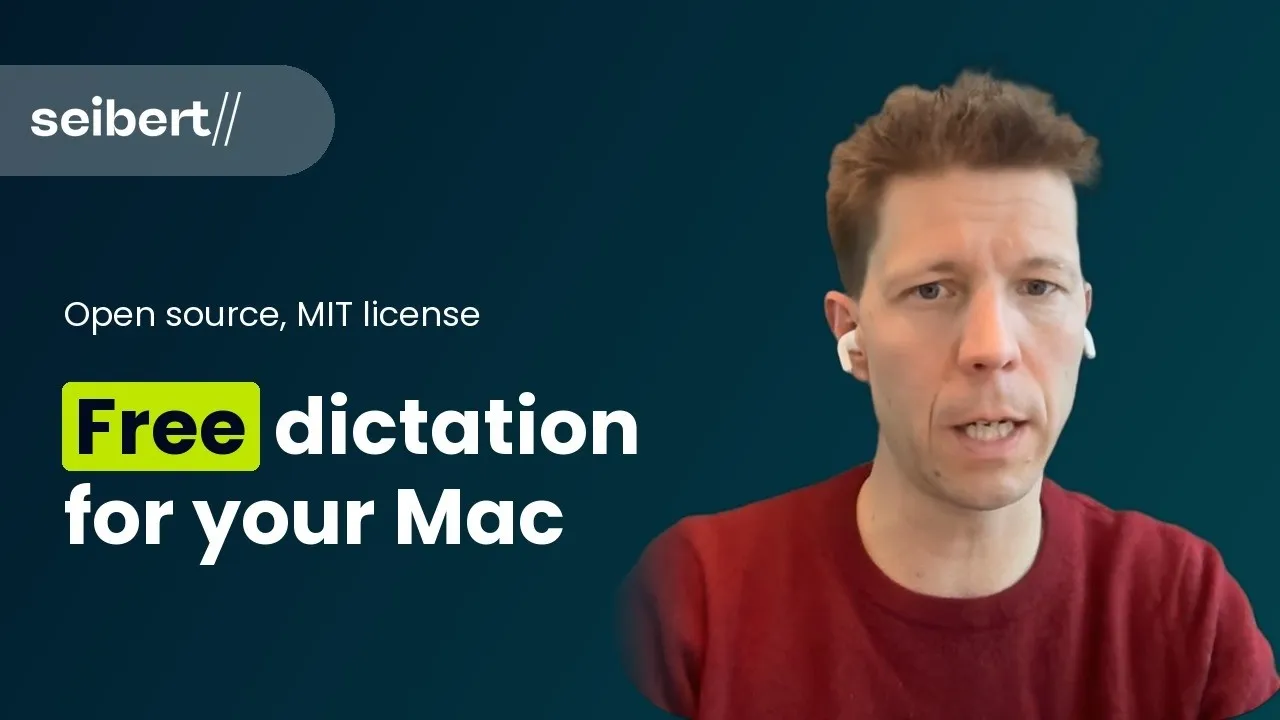
I dictate a lot of my instructions to the agent. For that I use Hex, a free, open-source dictation app:
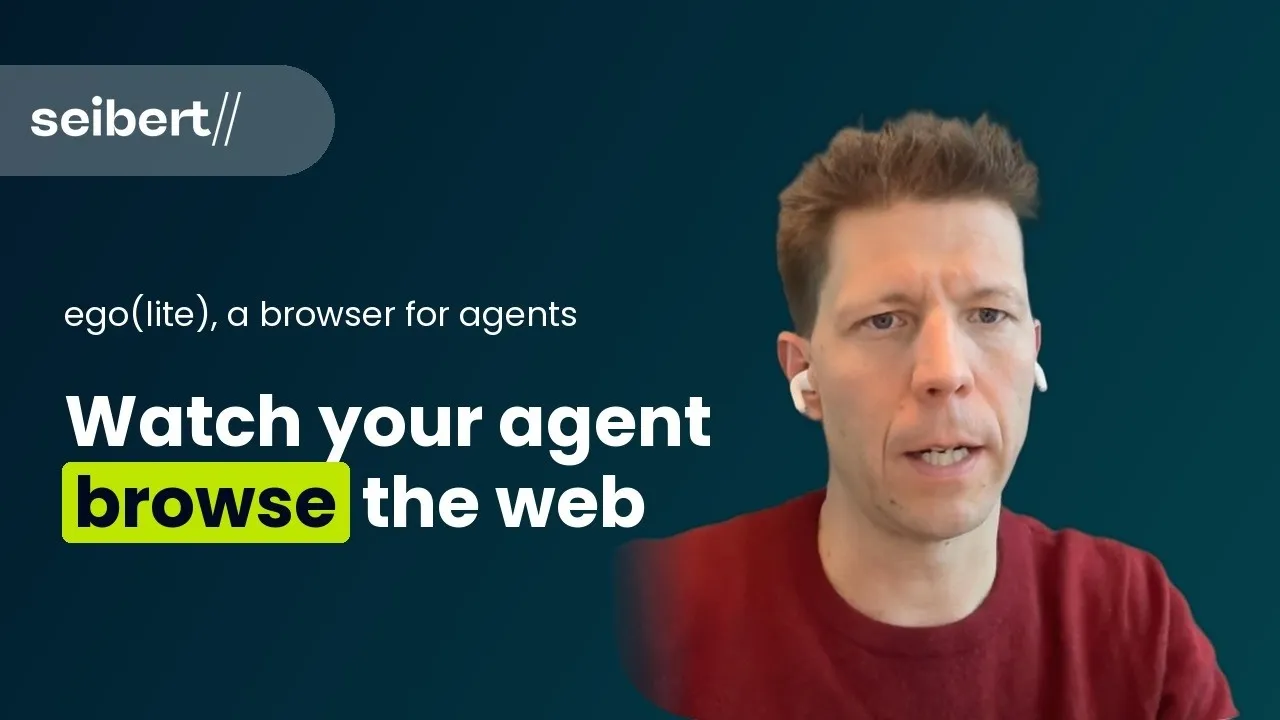
The agent does the LinkedIn work in ego(lite), a browser in which I can watch what the agent does and take over when a login is needed:
What Is Still My Job
Nine things, and I want to be honest about it:
- recording the videos
- deciding the type and the target of each video
- watching every cut and approving it
- picking the thumbnail
- approving titles, descriptions and post texts
- saying “make it public”
- switching TikTok posts to public
- boosting the LinkedIn post and writing the first comment
- logins and passkeys whenever a site asks for one
The agent does not publish anything without my explicit yes. Boosting costs money, so that stays with me too.
What Went Wrong
Two things, both caught:
- The first Short of my longest video ended with 8 seconds of black screen and the sound of the end card. The end card’s audio sat on another track and stayed in when the picture was removed. The agent found it, exported a new version and replaced the video on YouTube and TikTok.
- When the agent moved the LinkedIn posts to new times, LinkedIn’s “Modify schedule” dialog showed the new time but saved the old one. It happened twice. The agent checked the list after every change, noticed it, and changed the time via “Edit post” instead.
The Videos
The longest video from that afternoon is about what happened when I ran up to 15 coding agents in parallel for four months, and why I stopped. There is a separate article about it: I Ran 15 AI Coding Agents in Parallel. Then I Stopped..
The video behind the login is a different one: how I get friends and family onto agents, at 2:45. I wrote about that approach in a separate article: What Worked Best When I Got People Into AI Agents.
Loading content...
Two earlier articles go deeper. The Test Was Green, the Page Was Unusable is about two agents working on the same codebase for a day. MCP Apps: Lunch, Contracts and Sales Pipelines Inside My AI Agent shows what an agent looks like when it draws a real interface instead of writing text.
Try It Yourself
Want to try the model behind this? SeibertGPT is a chat assistant that runs DeepSeek on our own server in Helsinki, inside the EU. Try SeibertGPT here. The pipeline in this article is my own setup; SeibertGPT is the easiest way to see what the model can do.